
Give every task a second pair of eyes
Use Quick Review for a second opinion or Verify to have the reviewer check the work against your own checklist. You can see both what the lead produced and what the reviewer found.
Give Slider one prompt. One AI does the work, the other reviews it, and Slider keeps the result in one Mac app. Turn notes into a PDF, review a code change, or compare two approaches side by side.
Five free task saves · No credit card required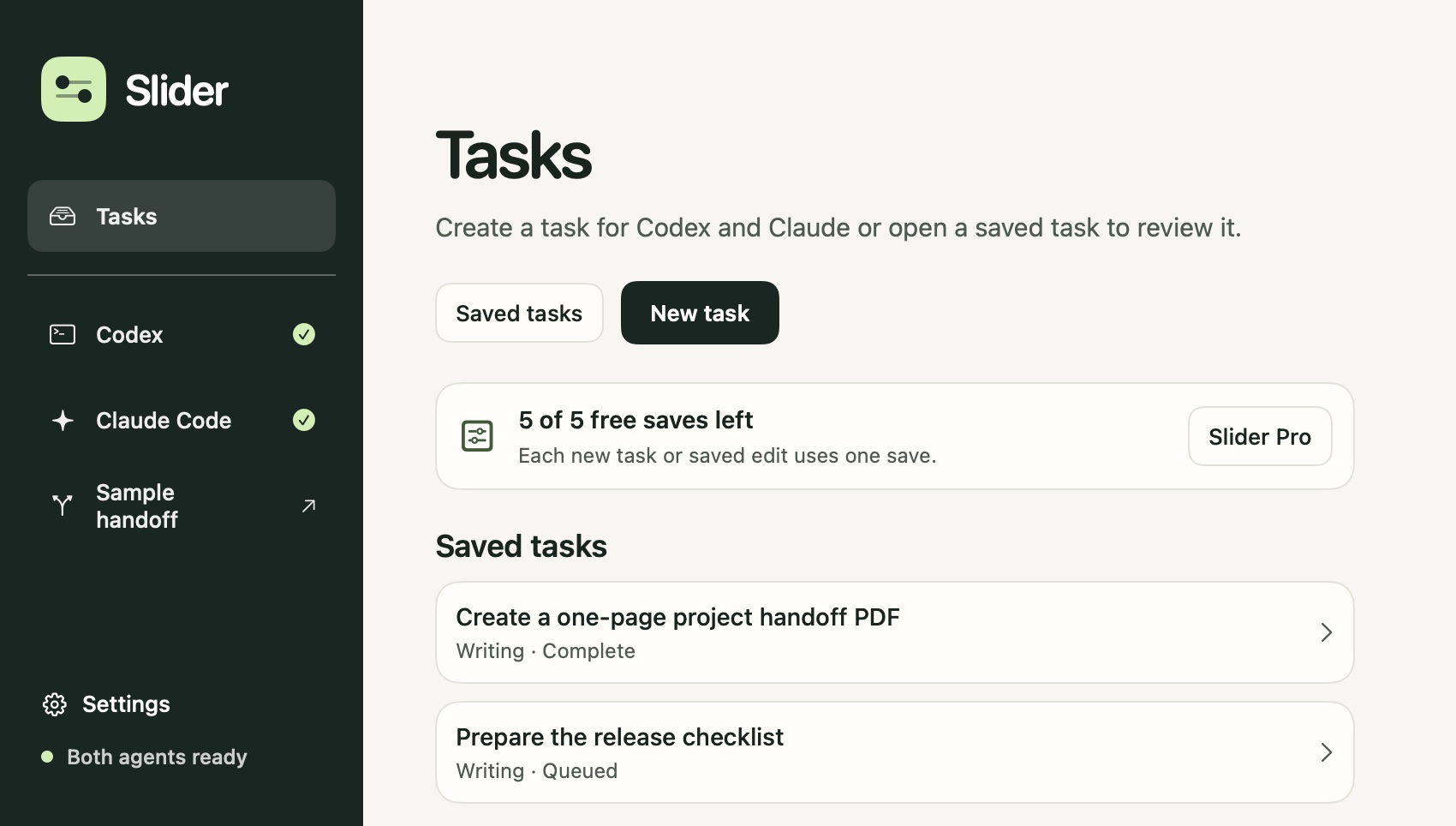
Use Quick Review for a second opinion or Verify to have the reviewer check the work against your own checklist. You can see both what the lead produced and what the reviewer found.
In Compare mode, Claude Code and Codex each tackle the same prompt independently. Open both results and choose the one you want to use.
Slider uses outcomes and your ratings from similar tasks to improve who it puts in charge. You can favor Claude Code or Codex at any time. The learning history is stored on your Mac.
Download a reviewed PDF or other requested files, or open your task history to revisit an earlier version. For Git projects, inspect proposed code changes in a separate worktree before applying them.
Slider runs on macOS 14 or later. On first launch it checks for Claude Code and Codex, helps you install anything that’s missing, and guides you through signing in to both.
Yes. Slider guides you through connecting both tools with your existing provider sign-ins. You’ll need accounts with access to each tool. Their plan costs and usage limits are separate from Slider Pro.
Slider handles the handoff and runs the connected tools in the background while Slider is open. You review the result, findings, and downloads in the task.
Creating a task, saving an edit, or saving a revision uses one of your five saves. Creating one task and editing it four times uses all five. Reinstalling Slider or deleting a task does not restore saves.
After payment, look for an activation code in your email. In Slider, open Tasks, choose Slider Pro, and enter the code to activate one Mac.
Cancel future renewals in Manage billing. Your paid access continues through the end of the current year. When it ends, creating and editing tasks requires an active subscription. You can still open your saved work.